
IP camera
setup & repair
Sharper, higher-resolution footage over network cable. Ideal for offices, larger homes, societies and sites that need many cameras.
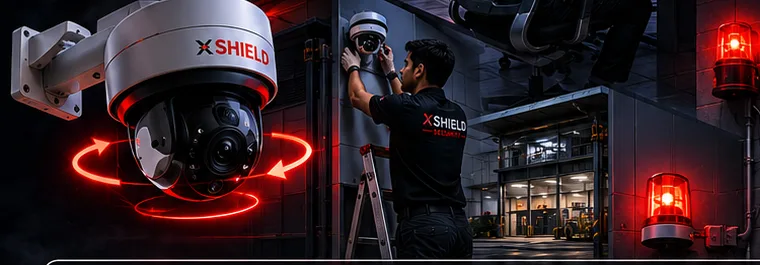
Typical setup
TYPICAL IP SETUPXSHIELD
- IP cameras (2MP / 4MP and above)
- NVR with hard disk
- PoE switch (power + data on one cable)
- CAT6 cabling and fitting
- Remote view on mobile and PC
PriceFree quote on call
What we do
IP camera systems, end to end
- IP camera installationCamera positioning, CAT6 cabling, PoE switch and NVR setup.
- NVR and storage setupRecording schedules, motion recording and hard disk sizing for the days you need.
- Remote viewingSecure mobile and PC access, with user accounts for owners and staff.
- IP camera repairCamera offline, IP conflict, NVR not recording, PoE or cable faults.
- Upgrade from analogMove from an old DVR system to IP cameras step by step.
Where we install
Offices & corporate floorsSocieties & gated coloniesFactories & warehousesHotels & PGsLarge homesShowrooms
Why Xshield
- Our own trained techniciansNeat cable work and a proper setup, done by the Xshield team.
- Booking SMS and OTP closureYou get the technician's name and number before the visit, and the job closes only with your OTP.
- 1 year service supportRepair help and after-sales support for a year after installation.
Questions
Before you book
What is the difference between IP and HD (analog) CCTV?
IP cameras send video over network cable and usually give higher resolution and more flexible setups. HD analog systems with DVR are often more budget friendly for small sites. We suggest what fits your site.
Can IP cameras use my existing network?
Often yes, if the network has enough capacity. For many cameras we recommend a separate PoE switch.
Can I watch from my phone and computer?
Yes. We set up mobile app and PC access with separate logins if needed.